
OPINION FUN
Your Software Requirements Need a Volume Knob
A practical, playful guide to using MUST, SHOULD, and MAY as different levels of commitment, so software projects can separate essential behavior from sensible defaults and optional polish.
 Poygan Tech
POYGAN TECH FIELD NOTES
Practical, source-linked notes on AI, automation, software, and local business.
ONE EMAIL · PERSONAL REPLY
Leave your email. I’ll reply personally and help you figure out where to start.
OPINION FUN
A practical, playful guide to using MUST, SHOULD, and MAY as different levels of commitment, so software projects can separate essential behavior from sensible defaults and optional polish.
BUILD NOTE
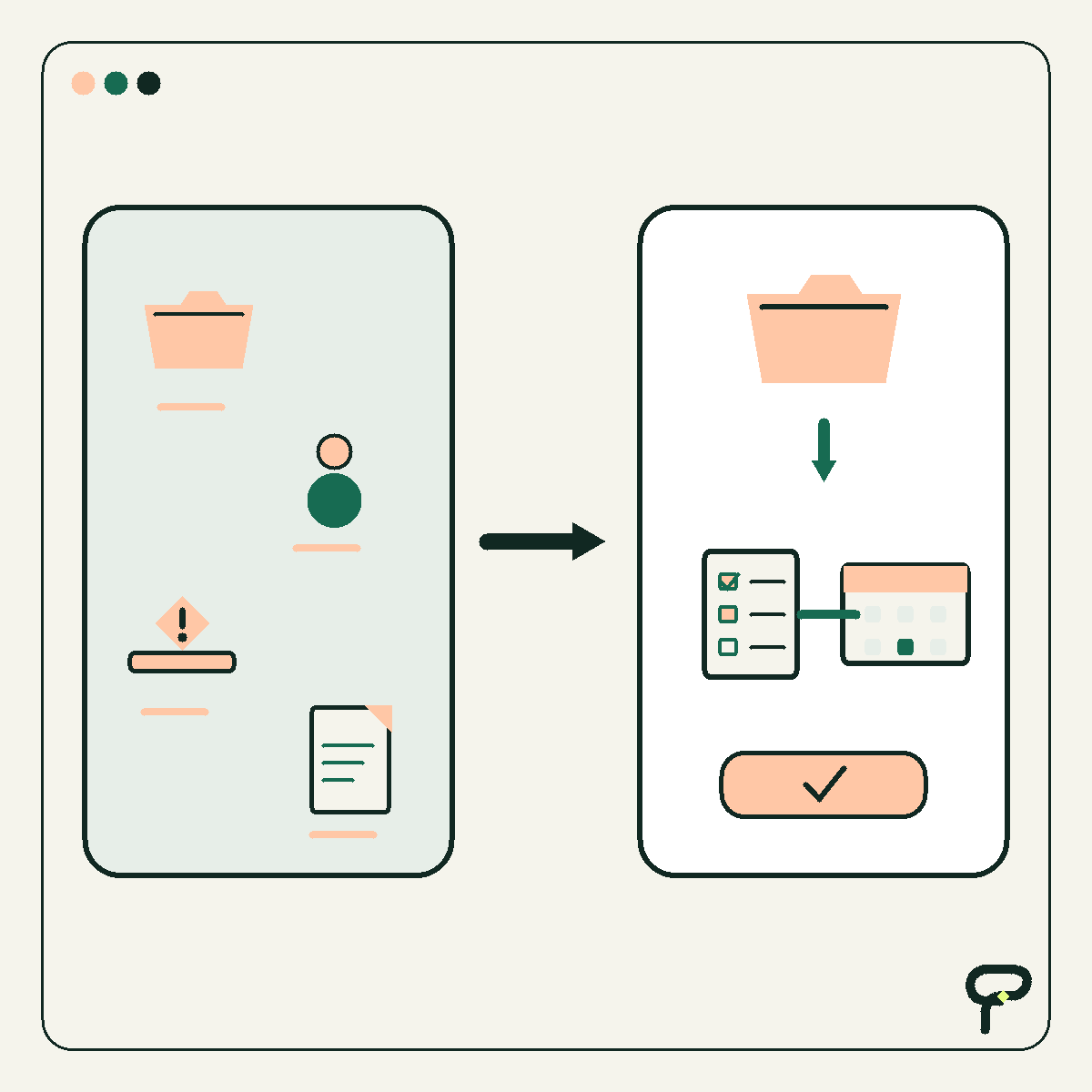
A practical build note for replacing vague automation failures with a small, structured error contract that tells people and software what failed, which occurrence they are examining, and what should happen next.
OPINION FUN
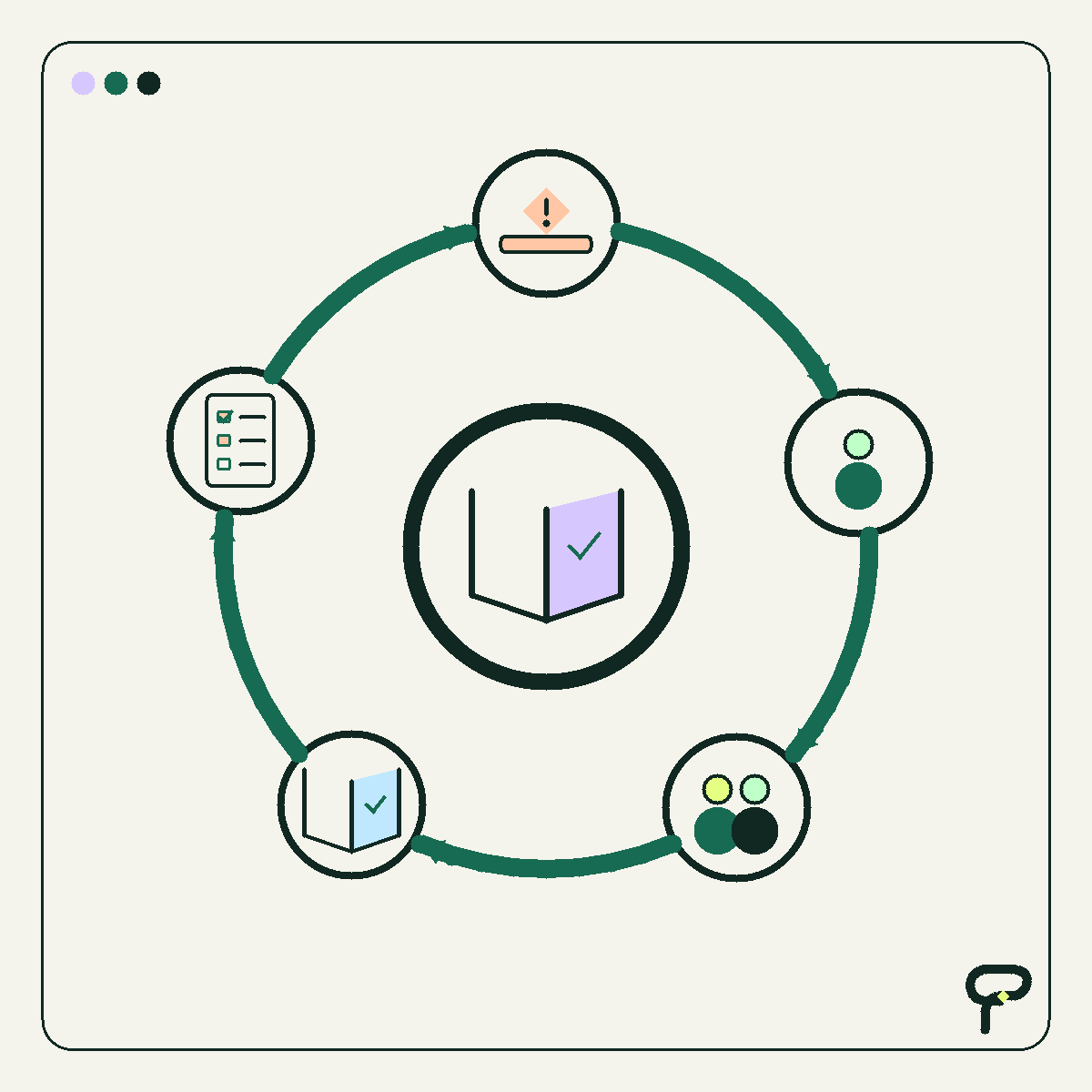
A playful inventory exercise for identifying whether a business spreadsheet is acting as a calculator, queue, database, report, approval log, or accidental application, followed by the smallest sensible improvement for each role.
EVERGREEN HOW TO
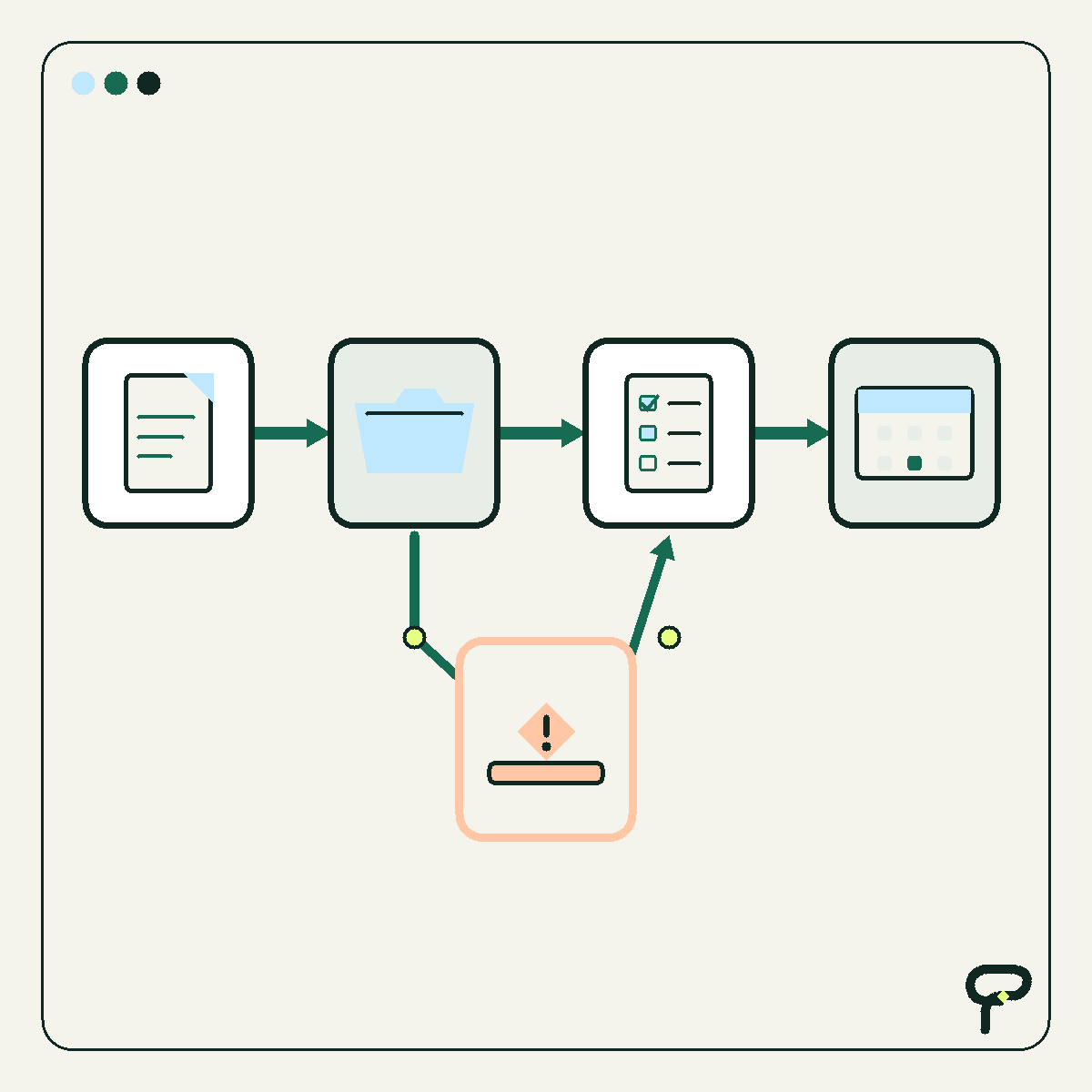
A practical one-screen client project status template that shows the intended outcome, present condition, recent progress, next action, ownership, blockers, decisions, reporting date, and meaningful changes without turning the update into a miniature project-d
EVERGREEN HOW TO
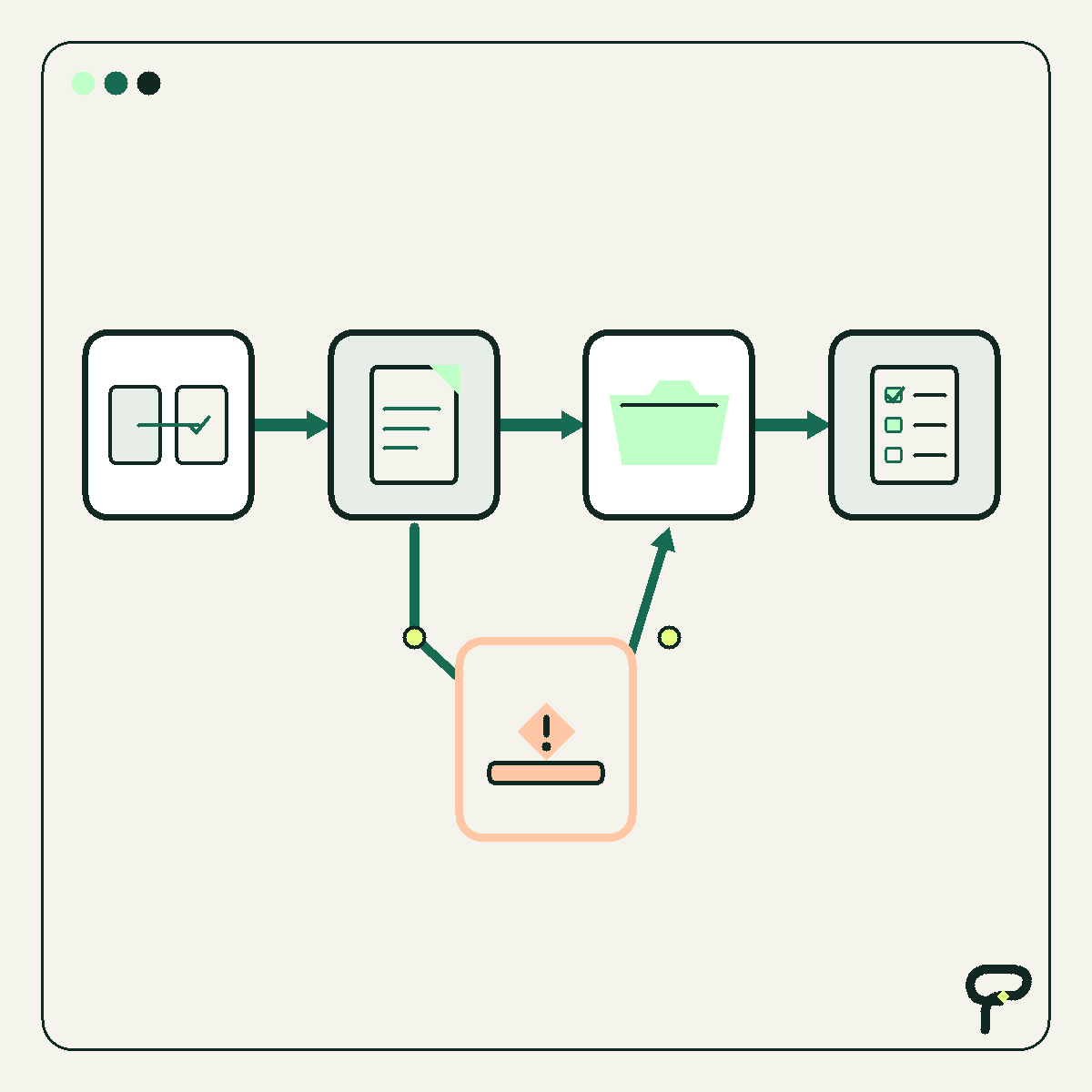
A practical workflow for testing business automation through shadow mode, a bounded sample, written success and stop conditions, manual fallback, audit comparison, and accountable owner sign-off.

OPINION FUN
A practical argument for treating clearer form labels, status definitions, checklist steps, and email templates as workflow improvements before reaching for code.
BUILD NOTE
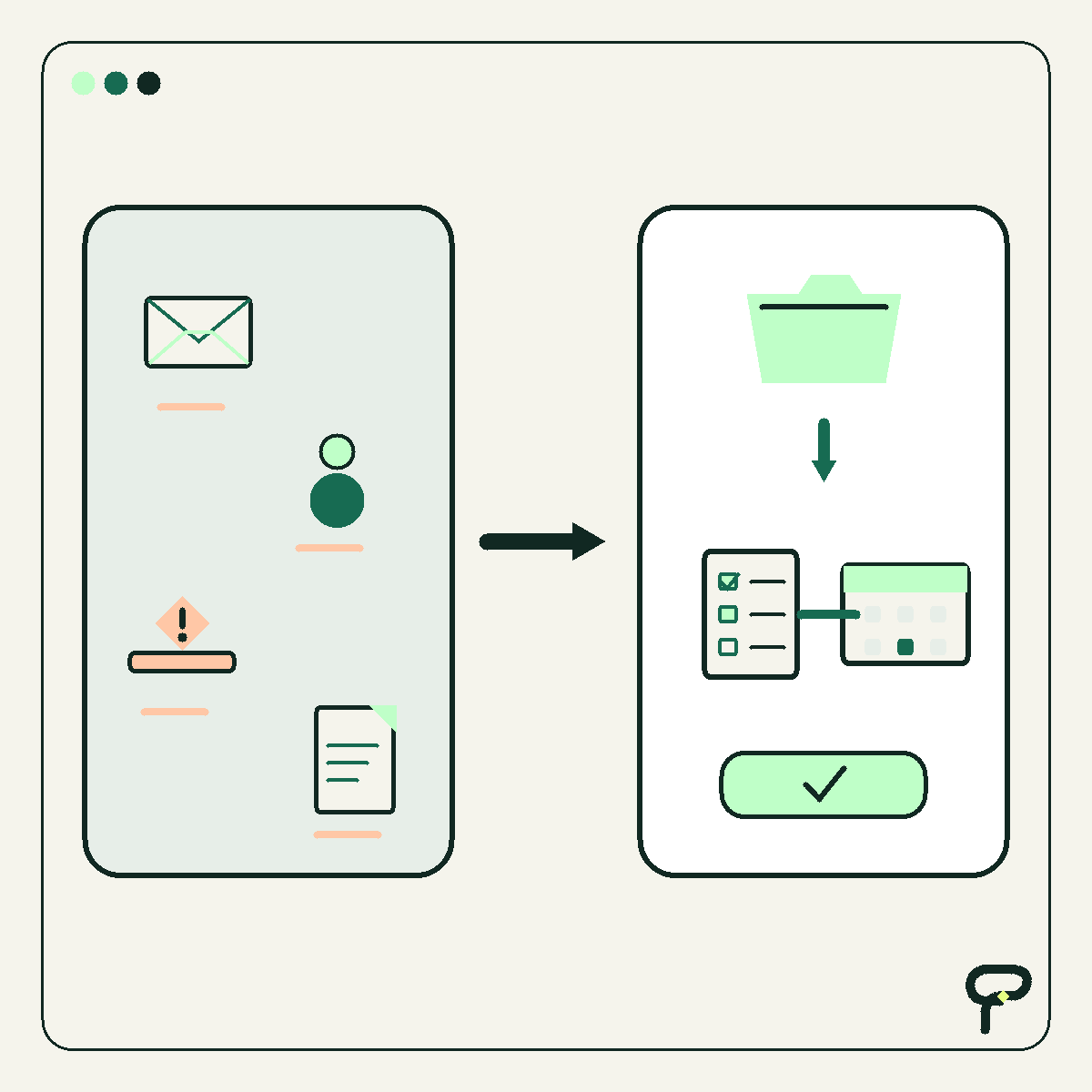
A hypothetical email-to-intake design that validates the sender, catches likely duplicates, checks required fields, assigns ownership, acknowledges receipt, and keeps customer promises under human control.
BUILD NOTE
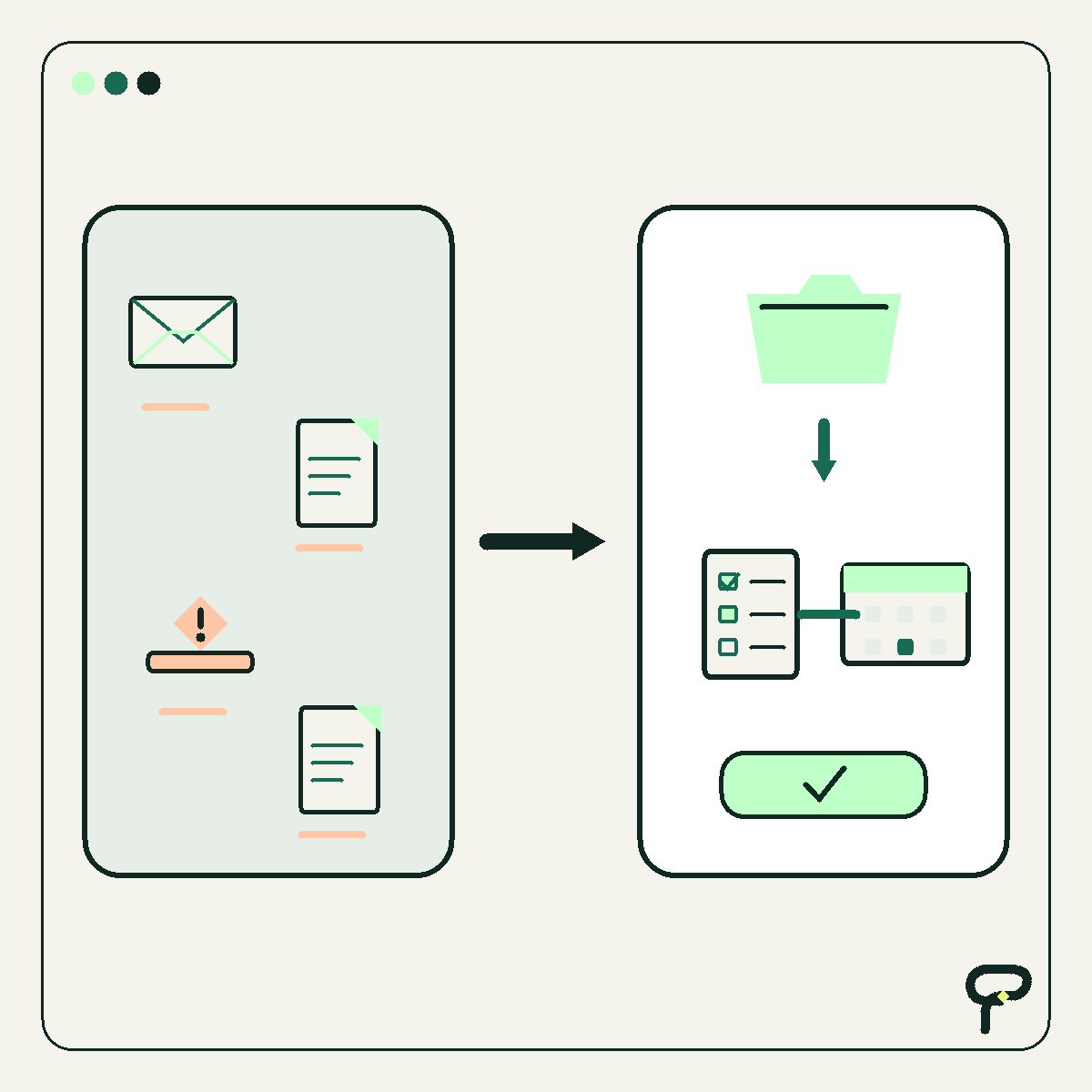
A practical build note for designing a small-business dashboard backwards from three recurring decisions, with an explicit question, owner, threshold, and next action for every metric. Includes a clearly labeled synthetic example.

OPINION FUN
A respectful thought experiment for checking whether an important small-business process can survive a missing person, unavailable device, or undocumented decision. Includes a five-part resilience checklist that works for paper and software alike.
EVERGREEN HOW TO
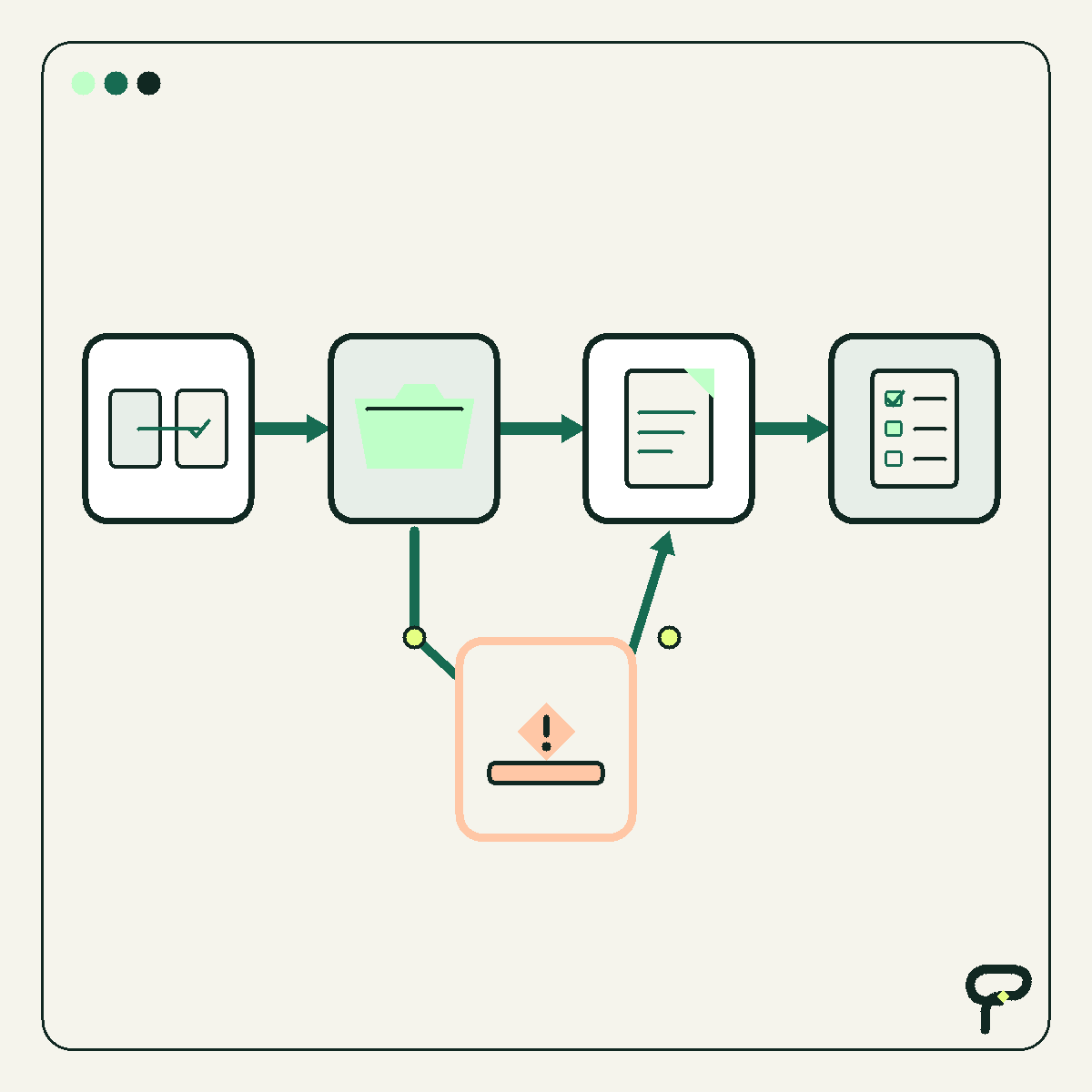
A practical guide to reducing duplicate customer data entry by choosing a source of truth, assigning ownership field by field, and designing handoffs that carry references instead of fresh copies.
BUILD NOTE
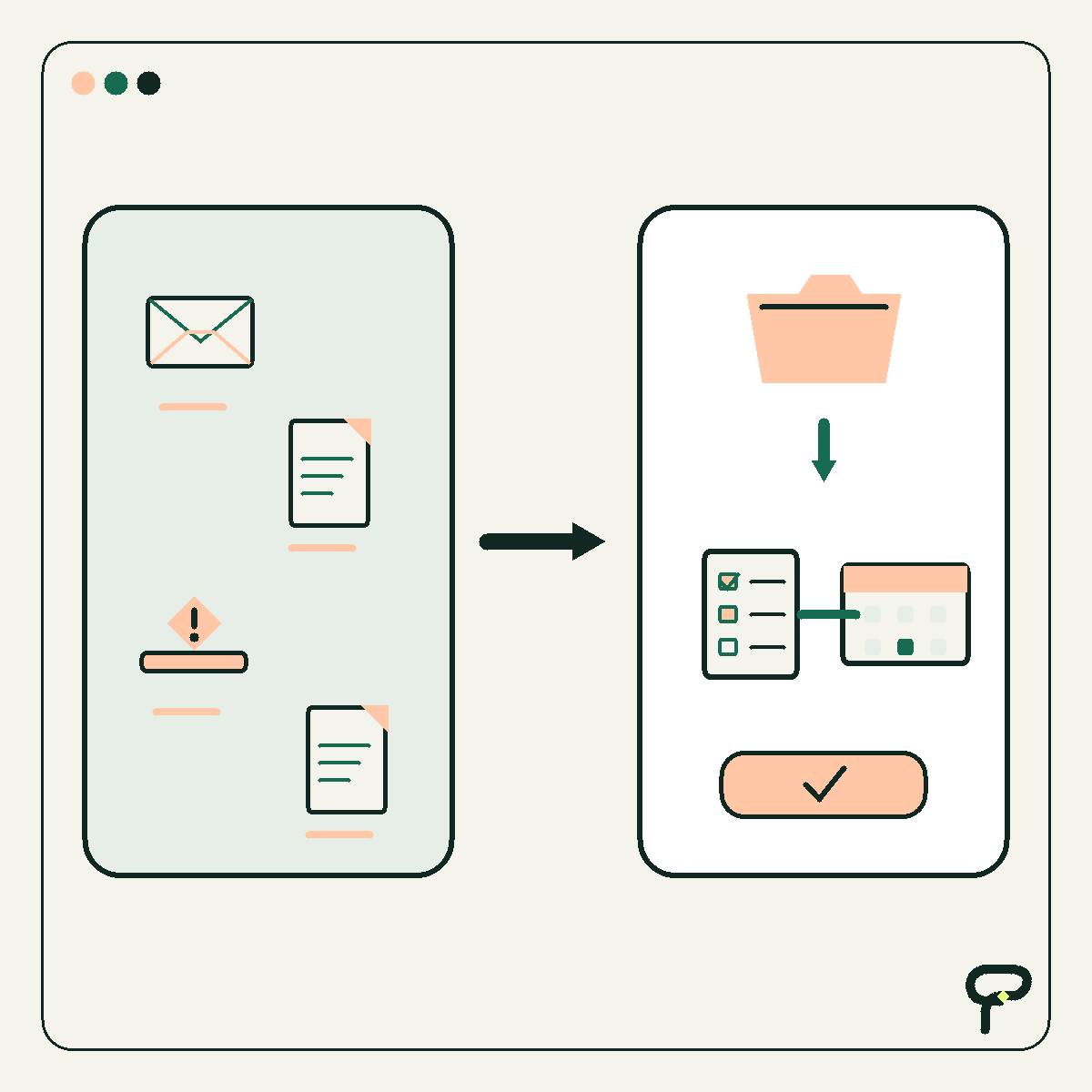
A practical build note on designing a visible exception queue for incomplete, conflicting, risky, or low-confidence work, including the five fields every queued item needs and a recovery path back into the workflow.
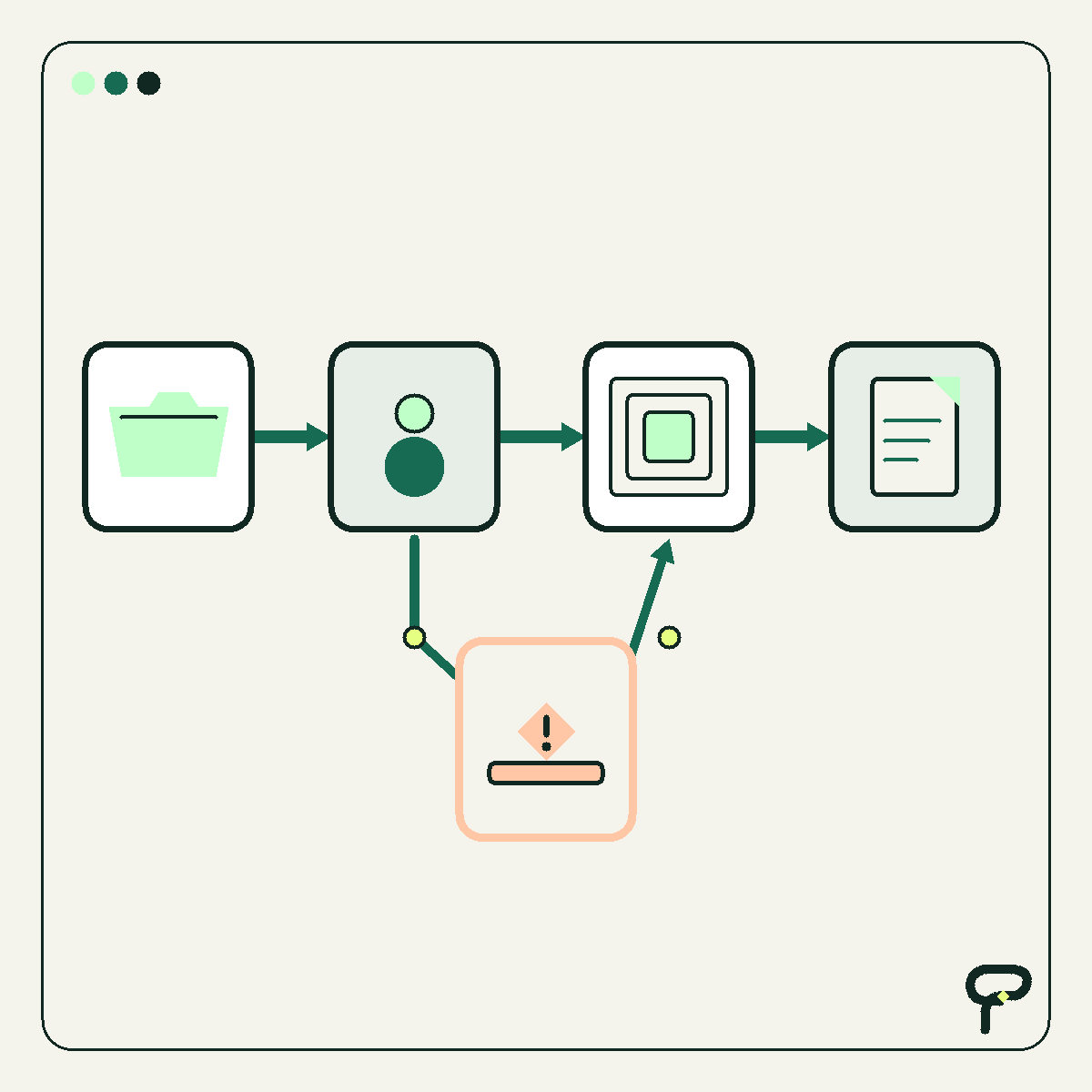
EVERGREEN HOW TO
A practical guide to building the smallest CRM a team will reliably maintain, using four essentials: useful records, explicit next actions, clear ownership, and reports that prompt decisions. It also explains when a mature CRM platform is worth the added setup
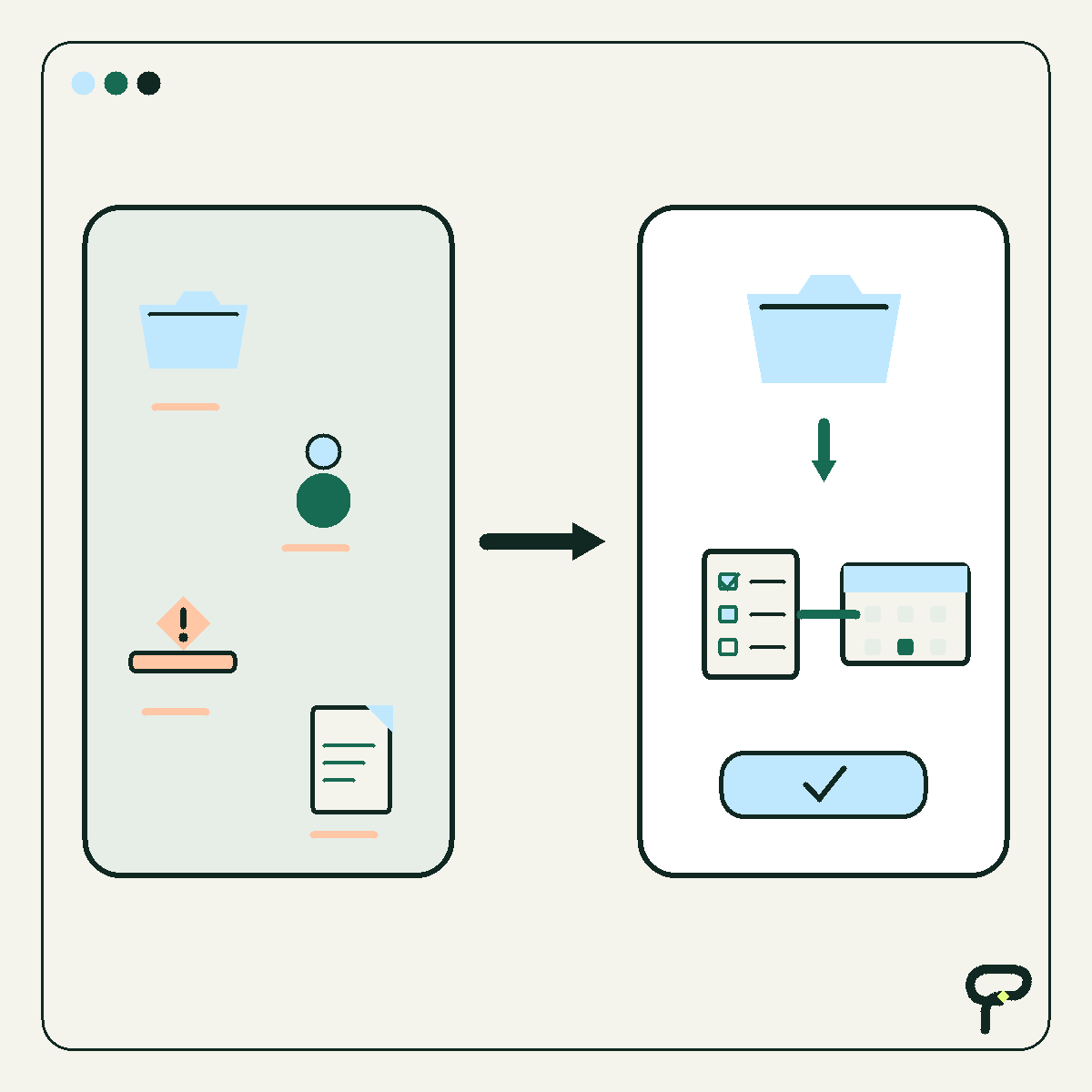
BUILD NOTE
A hypothetical contractor workflow that turns a missed call into a permission-aware text conversation, asks only useful job questions, respects office hours, escalates uncertainty to a person, updates the CRM, and preserves a readable audit trail.
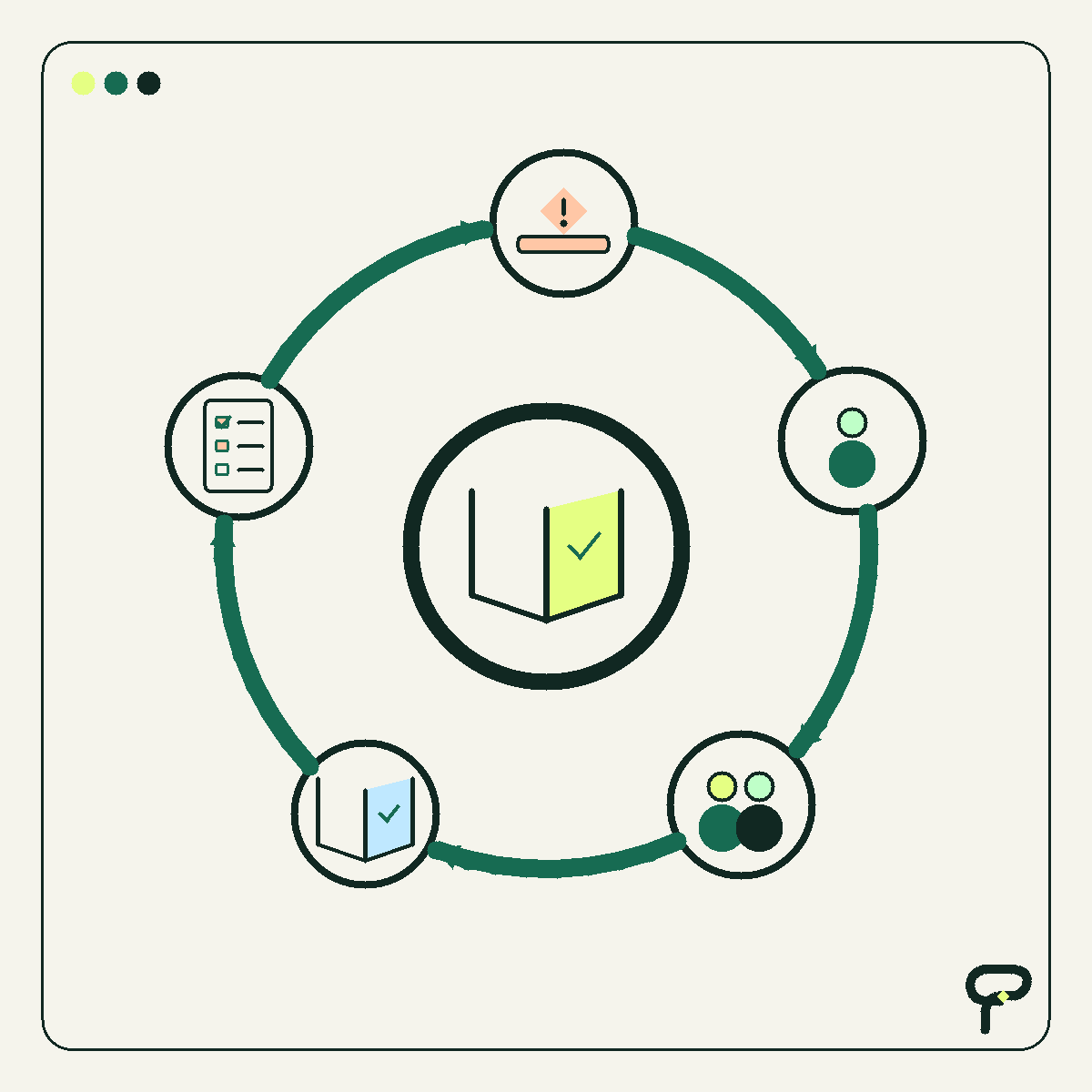
OPINION FUN
A respectful field guide to spotting workarounds, shadow spreadsheets, copy-paste rituals, and tribal knowledge, then deciding which process problems are worth fixing without blaming the people who keep the work moving.
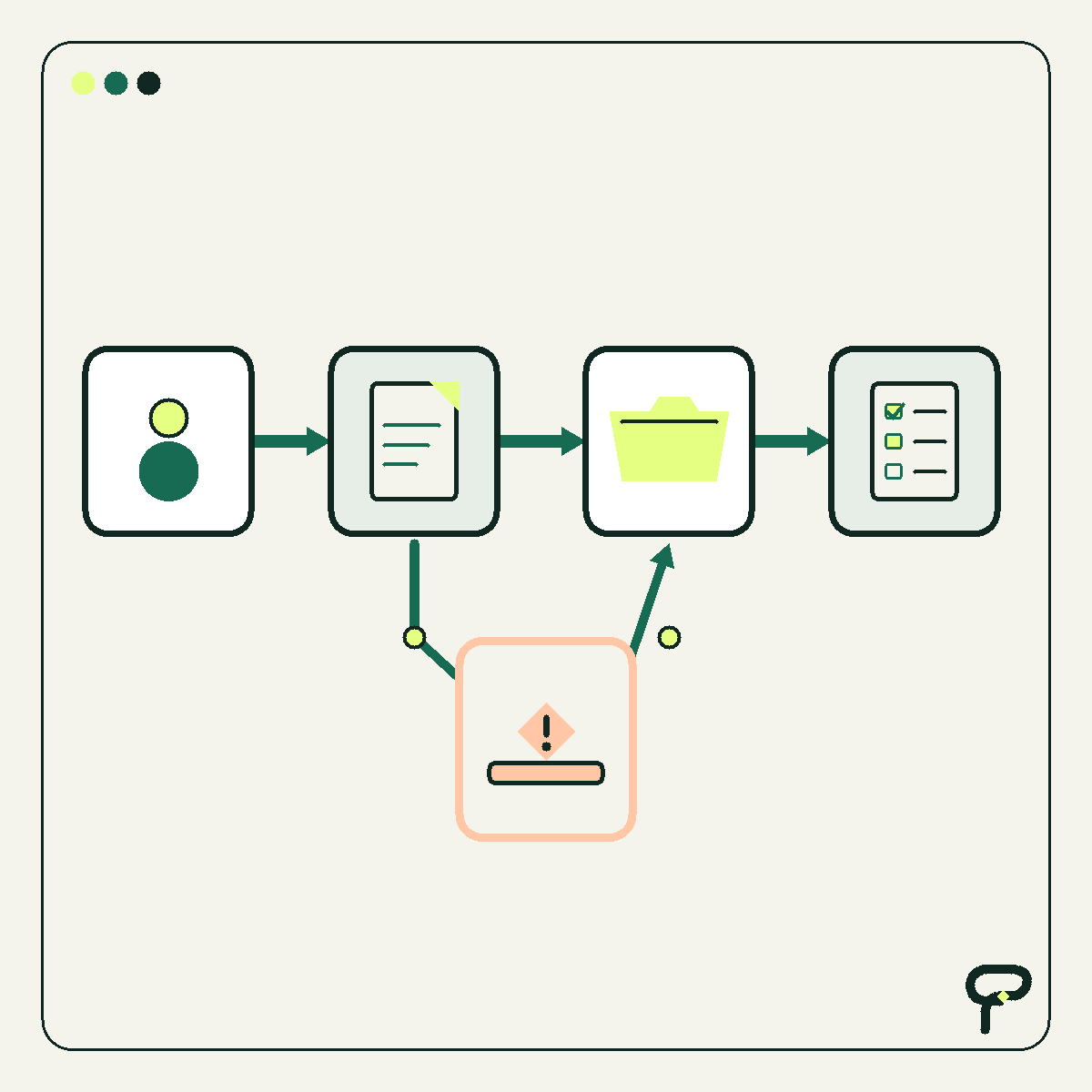
EVERGREEN HOW TO
A practical guide to deciding when an AI assistant may proceed, when it needs human approval, and when it should stop, covering money, customer promises, sensitive records, destructive actions, and ambiguous exceptions.
EVERGREEN HOW TO
A practical guide to mapping a workflow as trigger, input, decision, and output, then using that map to decide whether to configure, connect, replace, or leave an existing tool alone.
EVERGREEN HOW TO
A practical worksheet for finding one repetitive workflow that is frequent, rule-like, measurable, and equipped with a clear path for human review.
Follow Field Notes · Editorial standards · Sponsor information