 Poygan Tech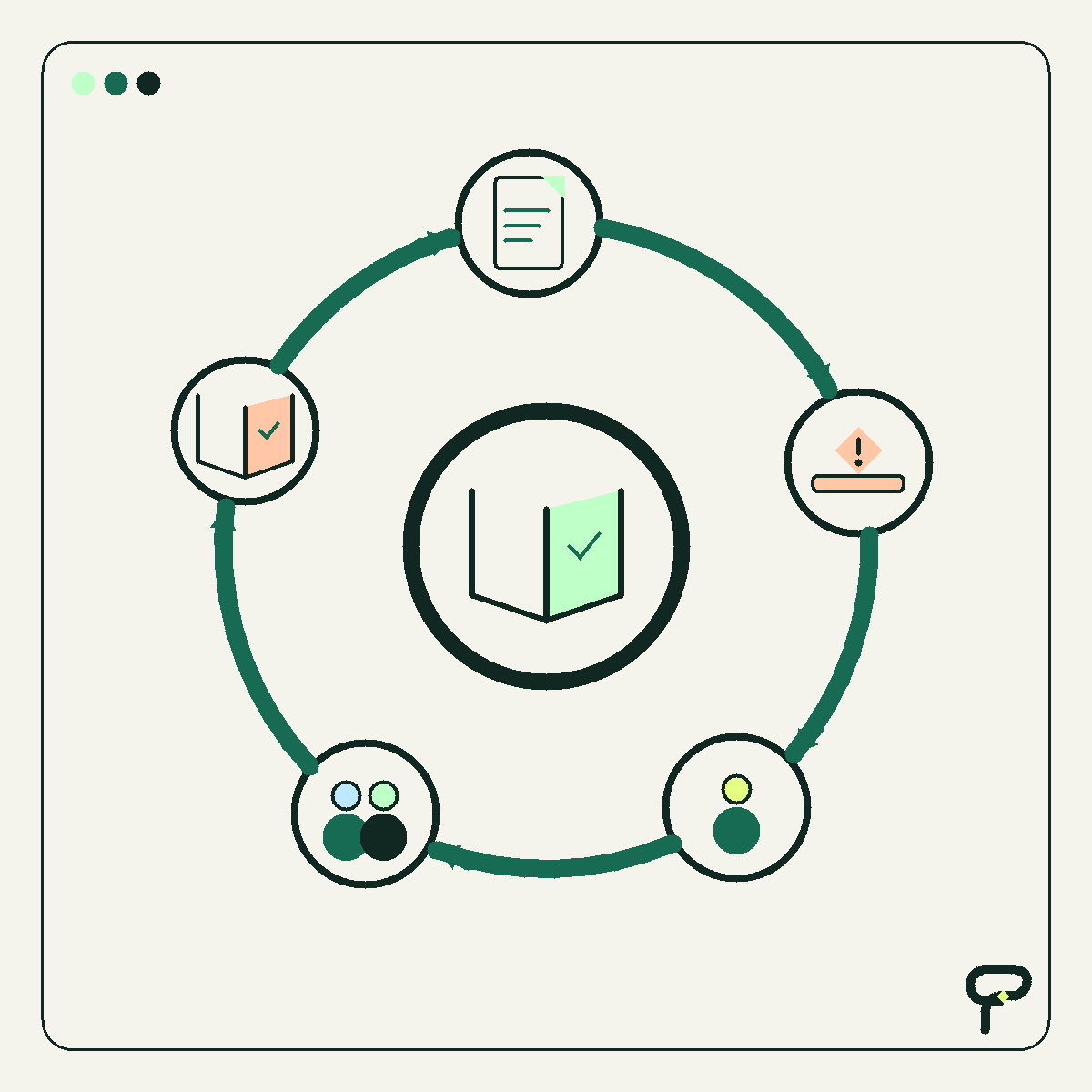
A surprising amount of office friction can fit inside one sentence. A form asks for “details.” A job moves to “pending.” A checklist says “review.” An email promises that somebody will respond “soon.” Each phrase looks reasonable until two people interpret it differently.
That ambiguity often gets diagnosed as a software problem. The proposed cure is another required field, notification, dashboard, integration, or AI assistant. Sometimes that is appropriate. But when the underlying instruction is unclear, software may only move the disagreement faster.
My argument is simple: before automating a process, edit its smallest important sentences. Good operational language acts like a lightweight interface. It tells a person what belongs here, what a status means, what action comes next, and what condition counts as done.
Words are part of the system
A form label or checklist item is not decorative copy. It is an instruction embedded in a workflow. The World Wide Web Consortium makes this idea concrete in the Web Content Accessibility Guidelines. Success Criterion 3.3.2 says labels or instructions should be provided when content requires user input. That is an accessibility requirement. My broader process-design inference is that understandable instructions also reduce everyday operational guesswork.
Consider a field labeled “Project date.” Does it mean the requested start date, the promised completion date, or the date on which the request was submitted? Software can require an answer, but it cannot make that question precise.
Changing the label to “Requested completion date” removes two interpretations. Adding “If flexible, enter your preferred date” handles a common exception. That may eliminate follow-up messages without an integration, notification rule, or generated response.
Four sentences worth inspecting
Form labels: Replace broad category words with the question the business actually needs answered. “Contact” might become “Person we should call about scheduling.” If a format matters, explain it beside the field rather than making people discover the rule after an error.
Status definitions: A status should describe an observable condition. “Pending” is weak because it conceals what the work is waiting for. “Waiting for customer measurements” names the blocker. “Ready to schedule” says that the required inputs are present and the next action can begin.
Checklist steps: Words such as review, handle, and process hide the finish line. “Review estimate” could mean read it, approve it, correct it, or send it. A stronger instruction would be: “Compare the labor and material totals with the worksheet, then approve the estimate or return it with a note.”
Email templates: A useful template reduces uncertainty without promising more than the team can deliver. Here is a hypothetical line: “We received your request. Morgan will check it by 3 p.m. Tuesday and either confirm the appointment or ask for missing information.” It supplies an owner, checkpoint, and two possible outcomes. Morgan and the timing are synthetic details, not a customer story or a claimed Poygan result.
A five-minute before-and-after exercise
Choose one sentence that people encounter repeatedly. It can be a label, status, checklist item, or template line. Use wording from the real process, but remove sensitive information before sharing it beyond the team.
Before, hypothetical: “Status: Pending.”
Ask four questions. Pending on what? Who has the next move? What evidence ends the wait? What happens immediately afterward? If reasonable coworkers give different answers, the wording contains hidden process debt.
After, hypothetical: “Waiting for customer approval. Account owner follows up Friday. Move to Ready to Schedule when written approval is attached.”
The rewrite turns one vague state into a blocker, owner, checkpoint, exit condition, and next state. That does not mean the whole sentence belongs inside a dropdown menu. A real system might store those details in separate fields. The exercise first makes the definition explicit. The team can then decide where each part should live.
- Name the object: What exactly are we requesting, checking, or changing?
- Choose a specific verb: What must somebody do?
- Define done: What observable condition proves completion?
- Assign the next move: Who acts if the condition is not met?
- Add timing only when the team can honor it.
Clarity can create a useful flywheel
Clearer language supports a better next decision. Better decisions produce cleaner records. Cleaner records make exceptions easier to notice. Visible exceptions reveal which instruction or rule still needs attention. The team can revise that language and run the cycle again.
This is Poygan’s analysis, not a claim that editing fixes every process. Some friction comes from duplicate entry, missing integrations, poor permissions, limited capacity, or software that does not fit the work. Language editing is useful because it is a small diagnostic. If a team cannot agree on what “ready” means, automatically moving work into a Ready status will encode the disagreement rather than resolve it.
The exercise also prepares a process for possible automation. Explicit inputs, states, owners, and completion conditions provide the raw material needed to specify software behavior. If code becomes justified later, the sentence was not a detour. It was part of the design.
Know when a sentence is not enough
Rewrite first when the problem involves inconsistent interpretation, missing ownership, an invisible completion rule, or a fuzzy customer expectation. Test the revision during several real uses and note where people still pause, ask questions, or improvise.
Consider software when the language is understood but people must repeatedly transfer the same data, perform a stable calculation, coordinate substantial volume, enforce access rules, or connect separate systems. Those are execution problems rather than definition problems.
There is also a practical middle ground: configure the tool already in use. Rename a field, add helper text, divide one broad status into two observable states, or place an approved template where the team works. That is meaningful system improvement even when nobody writes code.
Useful takeaways
- Treat recurring labels, statuses, checklist steps, and templates as pieces of process design.
- Replace vague nouns and verbs with a named object, specific action, owner, and observable definition of done.
- Test revised language in real work before adding another notification, integration, or agent.
- Use the remaining friction as evidence: ambiguity calls for definition, while repetitive execution may call for software.
- Keep hypothetical examples clearly separated from customer stories and measured results.
One next thought
If one recurring process feels heavier than it should, bring Poygan Tech the form, status list, checklist, or template. We can help determine whether the next useful change is clearer language, a small configuration, or carefully scoped automation.
ONE EMAIL · PERSONAL REPLY
Let’s find the right first step.
Leave your email. I’ll reply personally and help you figure out where to start.