 Poygan Tech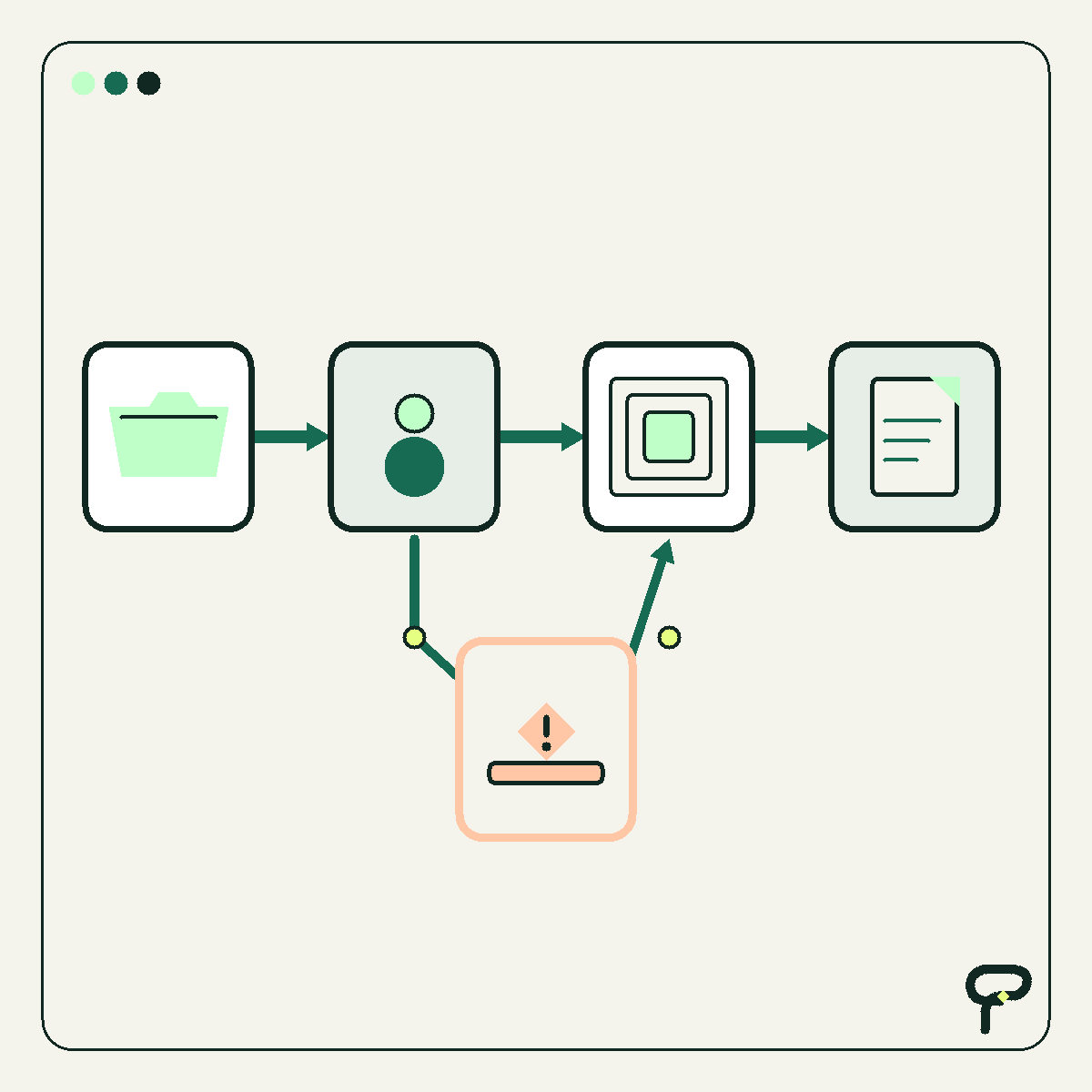
A customer relationship management system, usually shortened to CRM, does not become useful when you add every possible field. It becomes useful when somebody can open it on Tuesday morning and answer four questions: Who is this person? What are they trying to accomplish? Who owns the relationship? What happens next?
That makes a small CRM less like a corporate database and more like a dependable team notebook. The difference is structure. A notebook can hold good information, but a CRM should make responsibility and follow-up visible.
For a small team, the sensible starting point is not a long software comparison. Start by defining the minimum records and habits your process needs. Then decide whether a focused tool can support them or whether the business has genuinely reached the point where a mature platform earns its complexity.
1. Begin with the decisions the CRM must support
Before adding fields, list the decisions people expect the CRM to help them make. A salesperson may need to choose the next follow-up. An owner may need to see which opportunities are stalled. A service coordinator may need to know whether a new customer has completed handoff.
This is Poygan’s recommended design test: if a field does not support a decision, a workflow, a handoff, or a necessary recordkeeping requirement, leave it out of the first version. It can be added later when a real need appears.
A hypothetical example: a three-person commercial cleaning company might need to track prospects from inquiry through site visit, quote, decision, and onboarding. It probably does not need 40 classifications for every contact. The team first needs to see which prospects require a call, who will make it, and when.
Write the workflow in ordinary language before configuring software. For example: inquiry arrives, owner is assigned, needs are confirmed, next action is scheduled, quote is sent, decision is recorded, and a won job is handed to operations. That short sequence becomes the spine of the CRM.
2. Keep three kinds of records, then add only what the workflow requires
Most small sales processes can begin with three linked record types. A contact represents a person. An organization represents the business or household connected to that person. An opportunity represents a specific piece of possible work.
Keeping those ideas separate prevents a common problem. One person may request two different projects, or several people may participate in one purchase. If every detail is squeezed into a single contact row, the history becomes difficult to interpret.
For each contact, start with a name, preferred contact method, usable contact details, associated organization when applicable, relationship owner, and brief context. For each opportunity, capture what the person is considering, its current stage, owner, next action, next-action date, and outcome. Add expected value only if the team can define and maintain it consistently.
Notes should preserve relevant context, not become a transcript of every interaction. Record what was learned, what was agreed, what remains uncertain, and what the team committed to do. Sensitive information should not be collected merely because the CRM provides an empty field for it.
Treat this list as a starting design, not an industry rule. A regulated business or a team with contractual recordkeeping duties may require additional controls and professional guidance.
- Contact: the person the team communicates with.
- Organization: the company, household, or group connected to the contact.
- Opportunity: the particular job, purchase, renewal, or project being considered.
- Activity: a call, meeting, email, note, or completed task.
- Next action: the specific future step required to move or close the opportunity.
3. Make every open opportunity carry a next action
A pipeline stage describes where an opportunity sits. A next action describes what someone will do. Those are different things.
“Quote sent” is a stage. “Mara will call Pat on Thursday to review the quote” is a next action. The second version contains an action, an owner, and a date. It gives the team something concrete to execute and something useful to review.
This discipline matters more than elaborate automation. An open opportunity without a next action is not necessarily active. It may be waiting on the customer, waiting on the team, or quietly forgotten. Make that state explicit.
Use a small, shared vocabulary for common actions such as call, send estimate, schedule visit, request information, or close as not proceeding. Allow a short free-text description when context matters. When an action is completed, record the outcome and create the next one during the same update.
Do not manufacture activity just to keep a record open. “No further follow-up unless the customer responds” is a legitimate decision when that is the team’s actual intent. Closing an opportunity honestly is more useful than preserving a crowded pipeline.
4. Give every relationship one visible owner
Ownership answers a practical question: who is responsible for making sure this does not disappear? It does not mean that only one person may help the customer.
Assign one accountable owner to each active opportunity. If ownership changes, record the new owner and transfer the next action. Avoid relying on phrases such as “sales is handling it” or “we are waiting to hear back.” A team name cannot notice that Thursday’s call was missed.
Create a simple rule for new records. Assignment might follow territory, service type, existing relationship, or a rotating queue. The right rule is the one the team can explain and apply consistently.
Also define coverage. If an owner is unavailable, another person should be able to see upcoming actions and enough context to respond appropriately. This is where a shared CRM can be more resilient than private inboxes and individual spreadsheets.
Ownership should clarify service, not create surveillance. Measure whether work is being handled and where the process needs attention. Avoid turning every minor activity count into a judgment about an employee.
5. Build reports that lead to a conversation or action
A small team rarely needs a wall of charts. Start with operational views that change what somebody does next.
The first useful view is due and overdue actions grouped by owner. The second is open opportunities with no next action. The third is opportunity age by stage, which helps the team notice work that has stopped moving. A fourth may show outcomes over time, but only after stages and close reasons are being recorded consistently.
Review these views on a steady rhythm. A weekly 15-minute pipeline review may be enough for a small team. Ask what needs action, what is blocked, what should be closed, and whether ownership is clear. The purpose is to improve the record while decisions are being made, not prepare a decorative report afterward.
Be cautious with conversion rates, forecasts, and salesperson comparisons when the underlying records are sparse or definitions vary. A precise chart built from inconsistent updates is still unreliable. Begin with counts and lists the team can inspect. Add calculated metrics when the inputs have earned trust.
One useful quality check is record completeness for open work: owner present, stage present, next action present, and next-action date present. This is a process check proposed here, not a universal CRM benchmark.
- Actions due today and actions overdue.
- Open opportunities missing a next action.
- Opportunities that have remained in one stage unusually long.
- Recently won, lost, or deliberately closed opportunities with a recorded reason.
6. Know when the larger platform is the smaller risk
A focused CRM is attractive when the workflow is short, the team is small, and one person can keep definitions tidy. It can reduce training effort and make the important work easier to see.
A mature platform becomes the better choice when complexity is already present in the business. Examples include several sales teams, strict permission boundaries, complex territories, multiple product lines, formal approval paths, detailed forecasting, extensive integrations, or audit and retention requirements.
The deciding question is not whether the larger system has more features. It is whether those capabilities solve requirements the team can name today. If a platform’s permissions prevent inappropriate access, its workflow engine enforces a necessary approval, or its integration avoids repeated manual entry across core systems, the added configuration may be justified.
Migration cost belongs in the decision. Consider data cleanup, field mapping, duplicate handling, historical activities, integrations, training, administration, and the temporary disruption of changing habits. Likewise, staying with a tiny system has costs if staff must build fragile workarounds around it.
A sensible evaluation uses realistic scenarios. Ask each candidate system to demonstrate a new inquiry, reassignment, follow-up, quote decision, handoff, correction of a duplicate, and an owner’s weekly review. The platform that supports those scenarios clearly is more relevant than the one with the longest feature list.
7. Launch the smallest version and improve it from observed use
Configure a short workflow, import only data worth maintaining, and test it with a few synthetic examples before moving live records. A synthetic example is invented test data, clearly marked as such, that lets the team find confusing fields or broken rules without exposing customer information.
Write a one-page operating agreement. Define each stage, who creates records, how owners are assigned, what counts as a next action, when records are closed, and which reports the team reviews. The agreement is more important than a long software manual because it describes how this particular team works.
During the first few reviews, notice where people hesitate. A confusing stage name, a required field nobody understands, or duplicate entry across two tools is a design problem worth investigating. Do not assume every missed update is a motivation problem.
The goal is not to preserve a tiny CRM forever. The goal is a system whose complexity matches the work. Start with the minimum useful structure, build a reliable habit, and let demonstrated requirements justify the next layer.
Useful takeaways
- Design the CRM around decisions and handoffs before comparing features.
- Start with contacts, organizations, opportunities, activities, and explicit next actions.
- Give every active opportunity one accountable owner and a dated next step.
- Use a few operational reports that reveal work requiring attention.
- Treat clean, consistent inputs as a prerequisite for advanced metrics.
- Choose a mature platform when permissions, approvals, integrations, scale, or governance make its added complexity useful.
One next thought
If your CRM feels heavier than the work it supports, map one real customer journey and see whether the owner, next action, and handoff are visible. Poygan Tech can help turn that map into a focused CRM design or assess whether a mature platform is warranted.
ONE EMAIL · PERSONAL REPLY
Let’s find the right first step.
Leave your email. I’ll reply personally and help you figure out where to start.