 Poygan Tech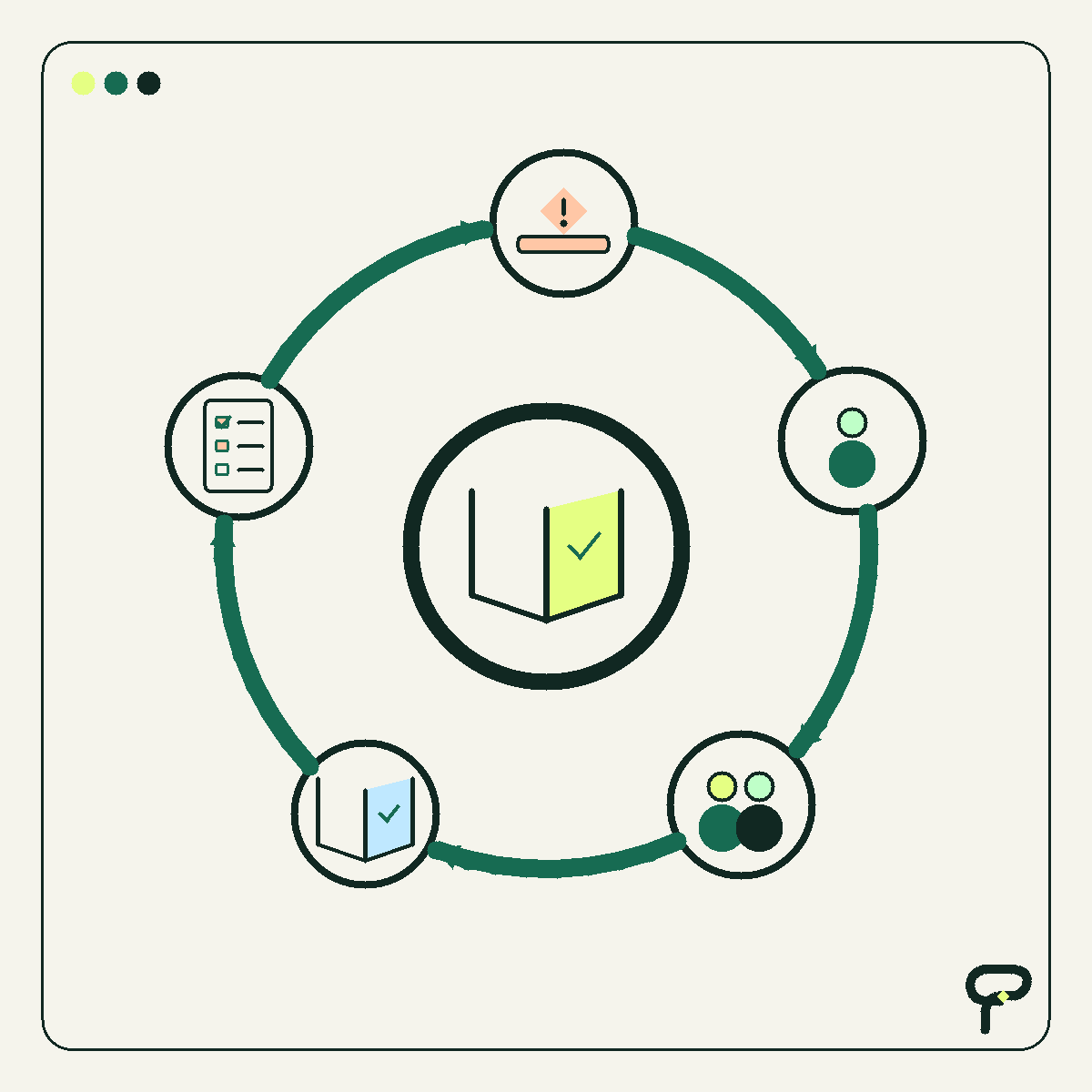
“That is just how we do it” can sound like resistance. More often, it is compressed history.
Maybe the official system never handled a certain customer request. Maybe someone built a spreadsheet during a busy Tuesday and it quietly became essential. Maybe the only person who remembers the six exceptions is now the person everyone interrupts. These arrangements can look odd from outside, but they often exist because capable people found a way to keep the business moving.
That makes the sentence useful. Treat it as a trail marker, not a confession. It may point toward one of the clearest signs a business process needs improvement: the documented process and the process that actually works are no longer the same thing.
First, do not insult the workaround
A workaround is usually evidence of effort. Someone encountered a gap between the job and the available system, then bridged it with the tools and authority they had. The bridge may be awkward, but it probably carries real traffic.
This human-centered view matters. In its Human-Centered Cybersecurity Concept Paper, NIST describes an approach that considers people’s needs, abilities, limitations, and working context when designing cybersecurity processes and systems. That source addresses cybersecurity, but the editorial lesson travels well: a process should account for the people expected to use it.
Poygan’s analysis is simple: begin with curiosity. Ask what the workaround protects. It may preserve speed, accuracy, customer context, flexibility, or a needed review. Removing it before understanding that function can make the official process cleaner while making the actual work worse.
Specimen one: the shadow spreadsheet
You find a spreadsheet beside the CRM, ERP, scheduling system, or project board. It contains color codes, initials, reminders, and a column named something like “REAL STATUS.” Nobody advertises it, but several decisions depend on it.
The spreadsheet is not automatically a problem. Spreadsheets are useful. The clue is duplication: people enter the same information into two places because neither place alone supports the job. Another clue is authority confusion. When the spreadsheet and official system disagree, the team has to remember which one wins.
A useful question is: “What can this sheet tell you that the main system cannot?” The answer may reveal a missing field, an unusable report, an ownership problem, or a process that changed without its software changing with it.
- Hypothetical example: A service coordinator tracks promised call-back dates in a personal sheet because the shared system records completed calls but not commitments. The process lacks a dependable home for a promise.
Specimen two: the copy-paste ritual
A person opens one system, copies a customer name, switches tabs, pastes it, returns for the address, and repeats the trip. Later, another person performs the same ritual in reverse.
Copying once is ordinary work. Repeated copying of predictable fields is a process signal. It consumes attention and creates more chances for stale or incomplete information. Before proposing an integration, count the transfers and identify the source that should be authoritative.
The key question is not “Can this be automated?” Almost anything can be automated badly. Ask: “Which information moves, why does it move, and what should happen when the two systems disagree?” A small, focused connection may help. In other cases, removing an unnecessary entry step is the better repair.
Specimen three: the human API
Every team has people who connect systems with memory. They know that orders from one customer need different packaging, that an old product code means a newer item, or that a certain request needs approval before scheduling.
Developers sometimes call a defined way for software systems to exchange information an API. A “human API” is a playful name for a person who repeatedly translates, routes, or reconciles information because the process cannot do so reliably on its own.
The person is not the bottleneck by nature. The process has assigned them bottleneck duties. Look for queues that stop during vacation, questions repeatedly directed to one person, and instructions that begin with “Ask Pat.”
Invite that person to help map the exceptions. Do not merely extract what they know and announce a replacement. Their judgment may be the only existing control preventing expensive mistakes.
- Hypothetical example: One employee reviews unusual orders because they know which combinations can actually be delivered. Document the common decision patterns while keeping that employee involved in genuinely unusual cases.
Specimen four: the ceremonial click
Some steps continue because everyone assumes another step depends on them. A report is exported, renamed, attached to an email, and filed in a folder. Nobody is sure who reads it, but skipping the ceremony feels dangerous.
Trace the output. Ask who uses it, what decision it supports, and what happens if it arrives late. If there is a real consumer, improve the delivery. If there is no consumer, consider a controlled trial in which the team pauses the step and watches for consequences.
This is not permission to discard records or bypass required controls. It is a prompt to distinguish an operational need from an inherited habit. Questions involving legal, contractual, accounting, safety, or regulatory duties should be checked by the appropriate qualified person.
The workaround flywheel
These clues often reinforce one another. An exception appears. Someone creates a workaround. The workaround is not documented because everyone is busy. A spreadsheet or memory becomes the unofficial system. New employees copy what experienced employees do. The official process drifts farther from reality, creating more exceptions.
That is the workaround flywheel. It does not require laziness, incompetence, or bad software. It only requires a useful temporary fix to survive long enough that the business starts depending on it.
To slow the flywheel, capture one full trip through the work. Write down the trigger, information used, decisions made, handoffs, exceptions, and final outcome. Then mark every place where someone retypes data, asks a familiar person, consults a private file, or ignores an official field.
Choose one repair with a visible boundary. Examples include adding a shared status, generating a standard document from existing data, recording an approval, or moving a recurring exception into a documented rule. Preserve human review where the decision needs context.
A five-question field test
When you hear “that is just how we do it,” resist the urge to unveil a platform. Spend ten curious minutes with the person doing the work.
- What problem does this step prevent?
- Where does the information come from, and where does it go next?
- What exceptions make the official process fail?
- Who notices when this step is missed?
- What is the smallest change that would make today easier without hiding a new risk?
Fix the mismatch, not the person
The most useful signs a business process needs improvement are often modest: a private spreadsheet, a copied address, a familiar person asked to translate, or a report produced on faith. None proves that automation, AI, or replacement software is warranted.
They do show where to investigate. Sometimes the answer is a clearer instruction. Sometimes it is a field in an existing system, a focused app, or a connection between two tools. Sometimes the workaround is still the best available design and should simply be documented and shared.
The respectful goal is not to eliminate every odd-looking habit. It is to understand which habits carry the business, which ones create avoidable risk or effort, and which small repair would genuinely help the people doing the work.
Useful takeaways
- Treat “that is just how we do it” as compressed process history, not proof of resistance.
- Ask what a workaround protects before changing it.
- Look for duplicated records, repeated copy-paste transfers, single-person dependencies, and outputs with no known user.
- Map one real trip through the workflow, including exceptions and unofficial tools.
- Choose a bounded repair and preserve human review where context or judgment matters.
One next thought
If one of these clues sounds familiar, trace a single real example with the person who handles it. If the mismatch is still hard to name, Poygan Tech can help map the workflow and consider a suitably small next step.
ONE EMAIL · PERSONAL REPLY
Let’s find the right first step.
Leave your email. I’ll reply personally and help you figure out where to start.