 Poygan Tech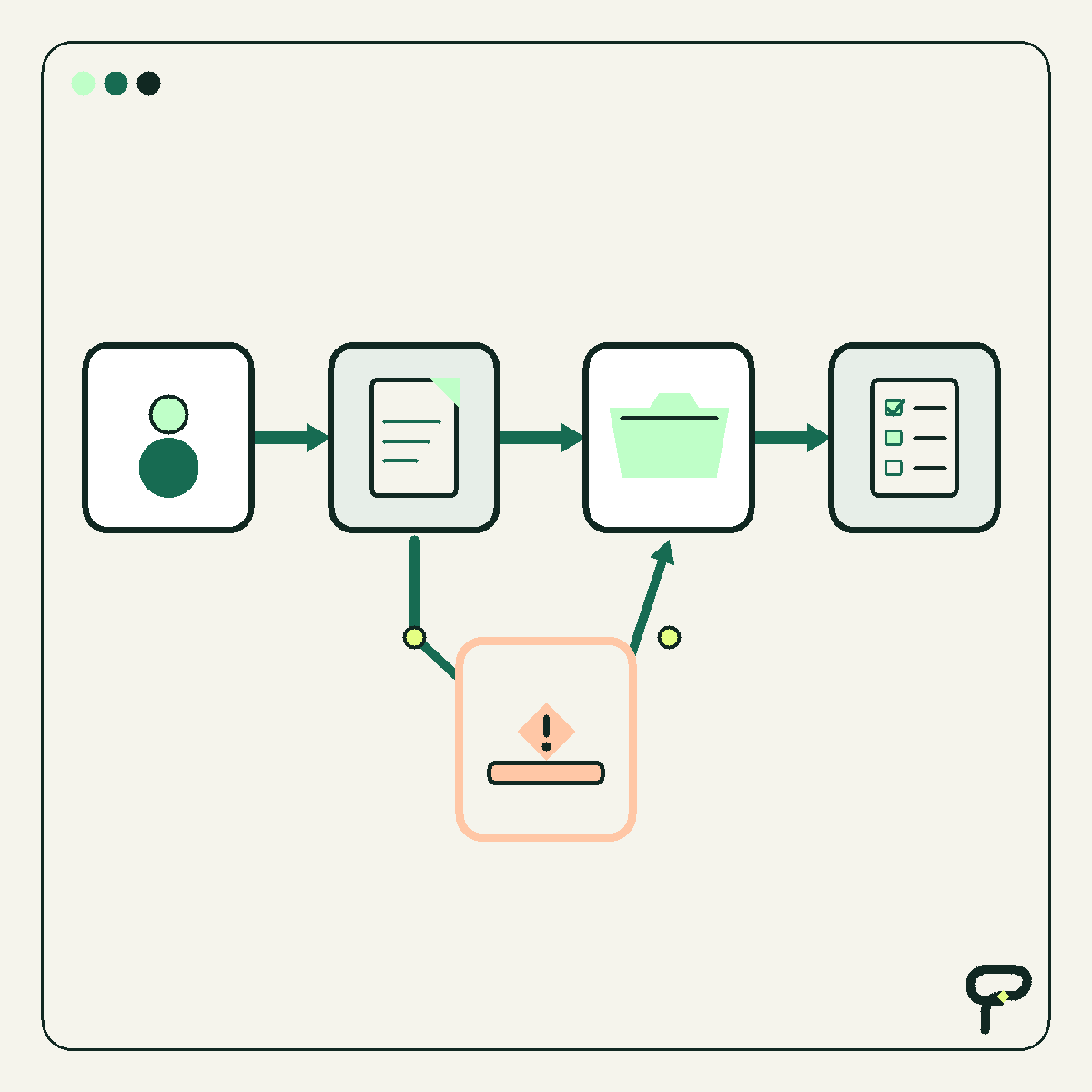
The best first automation project is usually not the most impressive task in the business. It is a narrow piece of repeated work: transferring approved information, assigning a request, checking required fields, or reminding someone about a known deadline.
Annoying work is not automatically suitable for automation. A task may happen too rarely, rely on unwritten judgment, or produce exceptions that nobody clearly owns. Automating that task can make confusion move faster.
This 15-minute worksheet helps you find one stronger candidate. NIST’s August 2026 human-centered cybersecurity concept paper frames sound process and technology design around people’s needs, abilities, and limitations. That people-first principle is useful here, but the timed audit itself is Poygan Tech’s practical framework, not a NIST method or a claim that every process can or should be automated. You are looking for four characteristics: meaningful frequency, explainable rules, an observable result, and a human exception path.
Minutes 0–3: List repeated actions
Write down five tasks that recur during an ordinary week. Begin each one with a verb: copy, enter, check, assign, rename, reconcile, remind, export, or notify. Do not begin with a product name. The purpose is to examine the work before discussing software.
Keep each candidate narrow. “Manage leads” is too broad. “Create a CRM record from a complete website inquiry and assign its owner” has a recognizable beginning and end.
For each task, record its trigger and completed state. A trigger might be a submitted form, received payment, approved estimate, or newly created record. The completed state should be something another person could verify.
- Repeated action: What does someone do?
- Trigger: What starts the task?
- Completed state: What visible event means it is finished?
- Current owner: Who is responsible today?
Minutes 3–7: Check frequency and rules
Estimate how often each task occurs. Use a unit you could verify later, such as requests per week or records per month. You do not need a perfect number during this audit. You need enough specificity to distinguish daily work from an occasional nuisance.
Next, test whether the ordinary cases follow explainable rules. Ask two people familiar with the work how they would handle the same routine example. If their answers differ, the process may need clarification before it needs automation.
A rule-like task uses recognizable inputs and repeatable decisions. “Assign the request according to the service-area table” is a rule. “Decide whether the prospect seems worthwhile” depends on judgment unless the team has defined the relevant evidence and retained appropriate human review.
Do not turn uncertain judgment into a rule merely to make the project easier. Software can collect information or prepare a next step while leaving the uncertain decision with a person.
- Frequency: Does the task happen often enough to observe?
- Consistent input: Does it usually begin with the same fields, document, message, or event?
- Normal rule: Can the ordinary path be written as simple steps?
- Judgment point: Where would a careful employee pause and consider context?
Minutes 7–10: Define one measurement
Choose one measurement before choosing a tool. The measurement should describe the workflow’s result, not merely whether the automation ran.
Possible measures include elapsed time from submission to assignment, manual touches per record, records missing required information, or items waiting beyond an internal target. Select one that can be observed from a reliable record or a small manual sample.
Add a quality guardrail. If the primary measure is assignment time, the guardrail might be incorrect assignments. If the measure is fewer manual touches, the guardrail might be incomplete records. This prevents speed from becoming the only definition of improvement.
If no baseline exists, write down how you will collect a small one. That discovery may be the most useful result of the audit.
- Primary measure: What number should change?
- Quality guardrail: What must not become worse?
- Evidence: Where will the number come from?
- Review point: When will a person inspect the result?
Minutes 10–13: Design the human exception path
An exception is any case the normal rules cannot handle safely or confidently. Missing information, conflicting records, an unknown category, a customer requesting a person, or a failed system action can all become stop conditions.
For every stop condition, name the role that receives the work. Then decide what context that person needs, what the system must avoid doing while the item waits, and how the person can finish or restart the process.
“Notify the office” is not a complete exception path. Which queue or person receives the notification? What record does it link to? Can the reviewer correct the information and resume the workflow? How will an unattended exception become visible?
If nobody clearly owns the exception, the workflow is not ready to automate. That is a useful finding, not a failed audit.
- Stop condition: What causes the normal path to pause?
- Human owner: Which role reviews the case?
- Context: What information and attempted actions should the reviewer see?
- Safe state: What must not happen before review?
- Recovery: How can the reviewer correct, approve, retry, or complete the work?
Minutes 13–15: Select one bounded test
Choose the candidate with the clearest combination of frequency, rules, measurement, and exception ownership. This is a judgment aid, not a scoring formula. A frequent task with poorly understood exceptions is usually a discovery project before it is an automation project.
Write a boundary for a small test: one form, inbox, location, request type, or internal team. Preserve a way to inspect what happened and return to the existing process while the team learns.
Here is a synthetic example, not a customer story or reported result. A small service company receives estimate requests through its website. For complete submissions, a workflow creates a CRM record and assigns it using an approved service-area table. When a postal code is absent, duplicated, or missing from the table, the workflow makes no assignment. It sends the submitted details and reason for stopping to an office coordinator. The company observes time to assignment while checking for incorrect assignments.
That candidate is promising because the trigger is specific, the ordinary path is explainable, the outcome is observable, and uncertainty returns to a named human role. It does not ask software to decide whether a prospect deserves service.
- Candidate: Name one workflow.
- Boundary: State exactly where the test starts and stops.
- Normal path: List the routine steps.
- Exception path: List stop conditions and the human owner.
- Measurement: Record one baseline and one quality guardrail.
- Decision: After review, keep, revise, or remove the change.
Useful takeaways
- Start with repeated work, not a preferred application or AI feature.
- Define a narrow trigger and an observable completed state.
- Choose work whose ordinary path can be explained consistently.
- Measure the workflow’s result and protect quality with a guardrail.
- Treat human review, safe waiting, and recovery as parts of the design.
- Test one bounded slice before considering broader automation.
One next thought
If the worksheet reveals a promising task but the boundary or exception path remains unclear, Poygan Tech can help map the smallest useful next step in plain English.
ONE EMAIL · PERSONAL REPLY
Let’s find the right first step.
Leave your email. I’ll reply personally and help you figure out where to start.